

Devices and camera settings
The Devices list, device detail, customize (motion, doorbell, linked devices), and where per-camera switches live.
Devices list
Sidebar Devices (/devices) — every adopted camera and accessory.
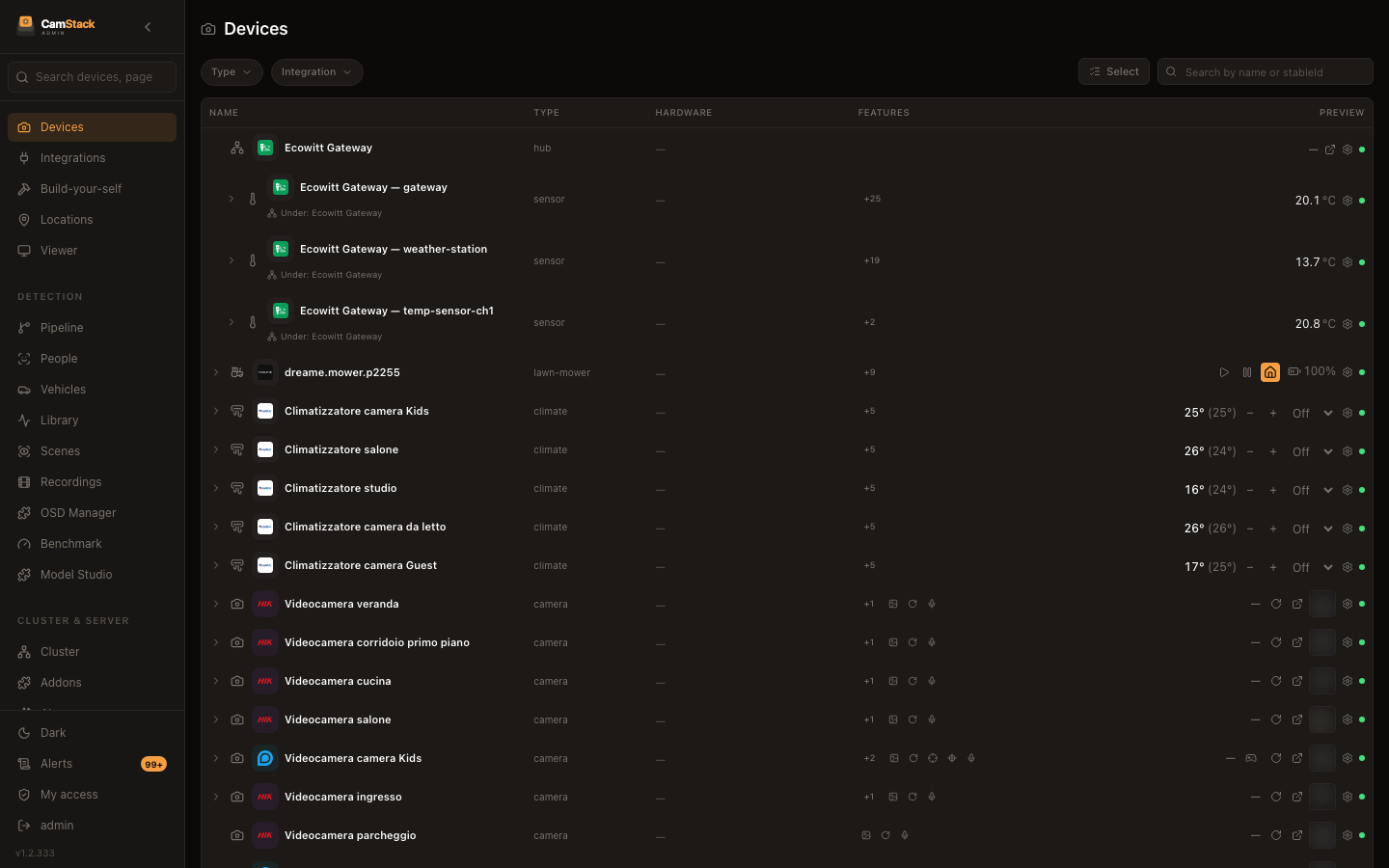
Open a row for the device page: live preview, status, the settings the device's integration offers, and Customize for Dominevo features (motion modes, doorbell sources, linked devices, battery, …). Every tab and setting of a camera's page is documented in Camera settings.
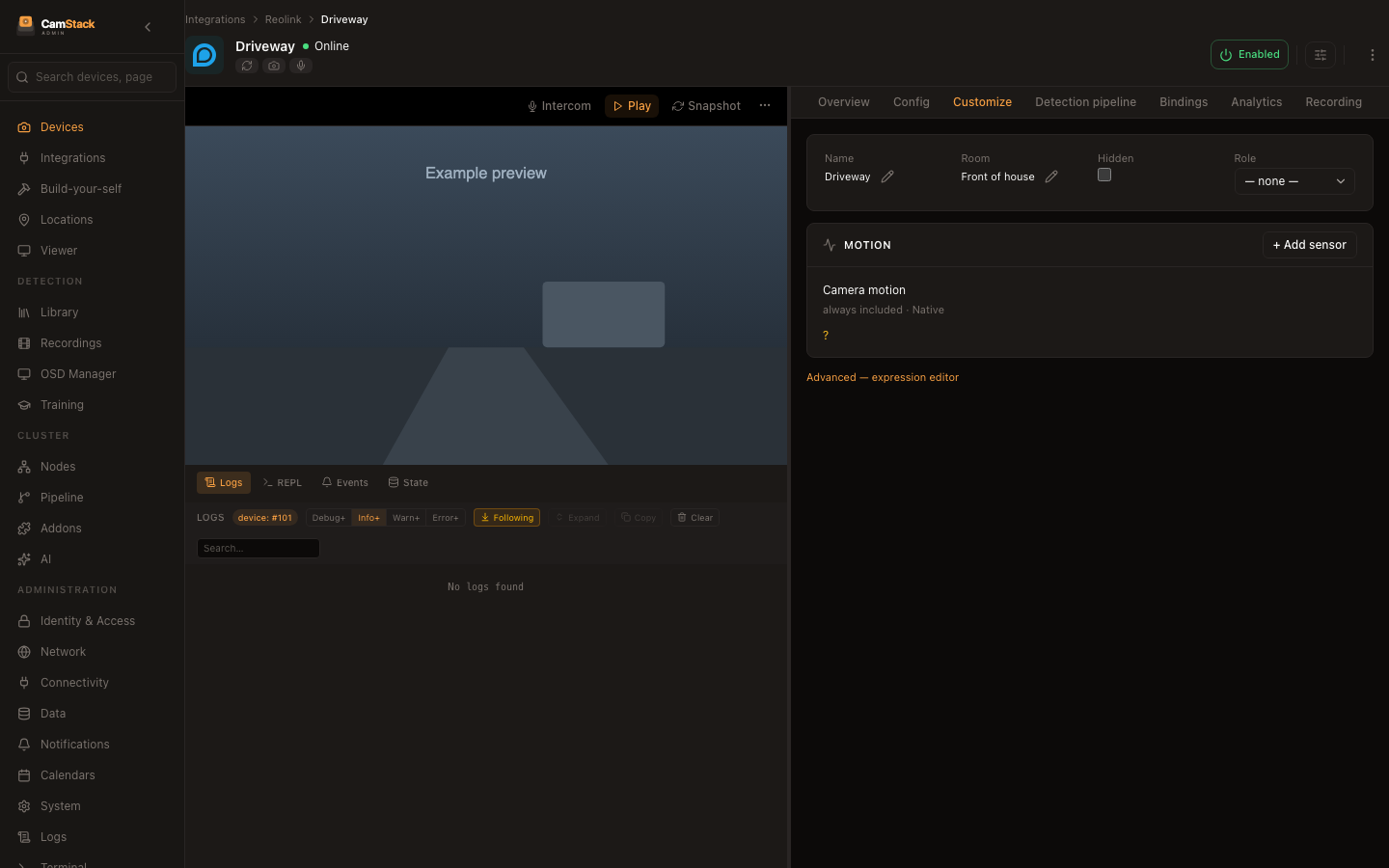
Customize
On a camera, Customize is where you combine it with other devices and sources:
| Feature | What you pick |
|---|---|
| Doorbell | One or more switch/binary sources that mean "pressed" |
| Motion | Provider and/or sensor modes (in addition / replace / confirm) |
| Linked devices | The spotlights, chimes and sensors you pick. Devices in the same room are suggested, never linked automatically. |
Per-camera switches
A camera's function switches (disable the camera, recording on or off, notification mute, …) change the same setting you would change elsewhere, so the two always agree. A camera you switch off is shown as switched off, not as broken. The nine switches, and what each costs you while it is off, are listed under Camera functions.
Then
- Camera settings — every tab of a camera's page.
- Streams
- Recording
- Detection zones
- Supported devices — what each non-camera type offers, and value history.