

Scenes
Watch one spot of one camera and be told when it stops looking the way it should — the bin is gone, the gate is open, the parking space is taken.
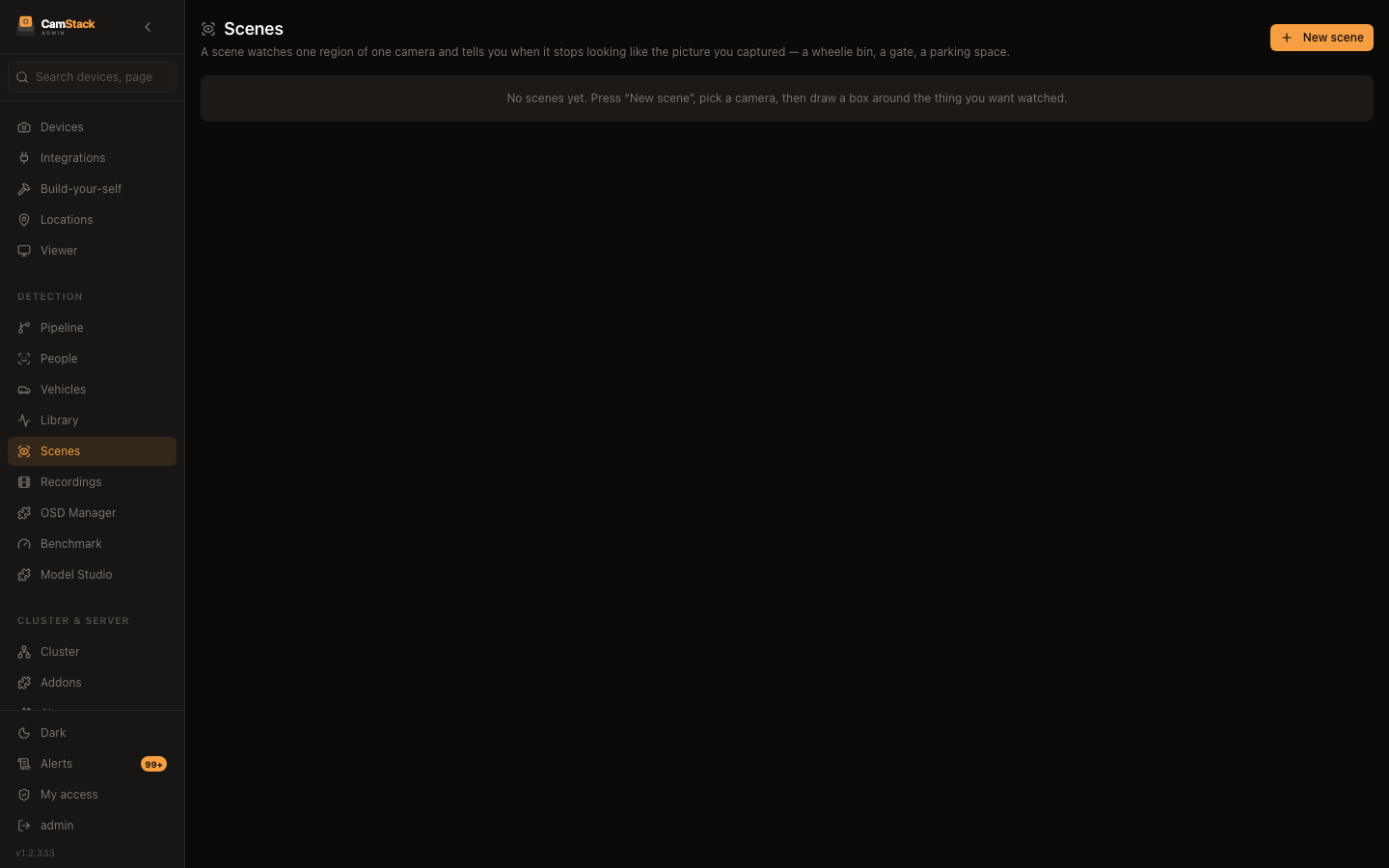
A scene watches one region of one camera. You capture a reference picture of how that spot should look, and Dominevo tells you when it stops looking like that: the wheelie bin is gone, the gate was left open, the parking space is taken.
Open it from the sidebar: Detection → Scenes (/scenes).
Create a scene
Pick the camera
Press New scene and choose the camera that sees the thing you want watched.
Draw the region
Draw a box around the thing itself — the bin, the gate, the space — not the whole picture. A tight box ignores what happens around it.
Capture the reference
Capture the reference while the spot looks the way it should. Until you capture one, the scene does nothing.
How it decides
- It checks on a schedule, on motion, or both. You choose per scene.
- A check counts only when the camera has been quiet. A car parking in front of the bin, or a person walking past, does not trip the scene: Dominevo waits for the movement to stop, and needs several agreeing checks spread over time before it calls the spot changed.
- Light matters. A reference captured in daylight may not answer at night. You can capture more than one reference, for example one by day and one by night. When no reference fits the current light, the scene says it cannot judge rather than guessing.
- A changed scene stays changed until you reset it, so you do not miss it because the bin came back an hour later. You can ask a scene to clear itself when the spot looks right again.
The list
The Scenes page shows every scene on every camera, with the ones that need you first:
- scenes that changed;
- scenes that differ right now but have not been confirmed yet;
- scenes that cannot judge at the moment, for example at night with only a daylight reference;
- scenes with no reference captured yet;
- scenes that look normal.
A scene that cannot judge, or has no reference, is listed above the normal ones on purpose: both mean the scene is not watching anything.
Use it in a rule
A notification rule can use a scene's state as a condition: for example, to be told about a person at the gate only while the gate scene says the gate is open. See Conditions → Scene state.
Then
- Zones — regions for detections, rather than for how a spot looks.
- Notifications