

Logs
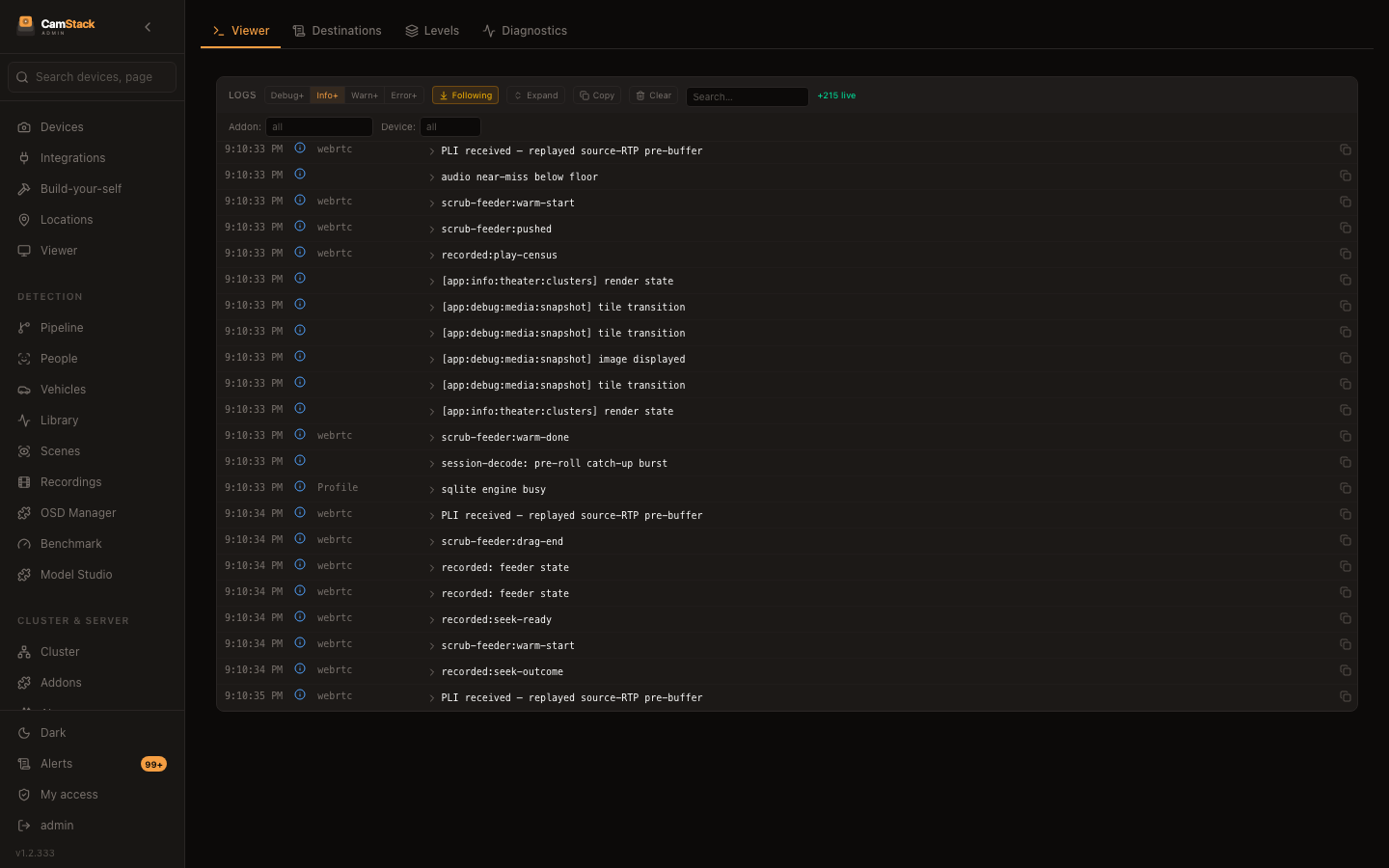
The Logs page — Viewer, Destinations, Levels and Diagnostics — the default log level, how to change it, and how far back you can look.
Sidebar Administration → Logs (/system/logs).
Tabs
| Tab | What it is |
|---|---|
| Viewer | Live and recent lines |
| Destinations | Where lines are written (Winston files, Loki, …) |
| Levels | Per-node / cluster log levels |
| Diagnostics | Armed diagnostic windows |
Log levels
There are four levels, from most to least verbose: Debug, Info, Warn and Error.
The default
Out of the box, nothing is set on the Levels tab. The hub then lets every line through, debug included, and each destination decides what it writes. Every destination starts at Info:
| Destination | Default level |
|---|---|
| Console (the container's output) | Info |
| Log files | Info, kept for 30 days |
| Loki | Info |
So by default you get info, warnings and errors in the files and the container output. The Viewer keeps debug lines too, for as long as it has room.
Changing it
You set a level in two places, and the stricter of the two wins.
-
Levels tab — the level for the whole cluster or for one node. Pick Cluster or a node in Scope, then choose a level. A node's level beats the cluster's. Clear removes the level you set at that scope, so it goes back to inheriting. In force here shows the level that applies, and where it comes from.
-
Destinations tab — each destination's own minimum level. The log files also have Retention (days) here.
A destination's level and the log files' retention are per node: each node has its own. A node that joins later starts at the defaults, not at the values another node was given. More than one Loki destination can be enabled, and every enabled destination receives the logs.
Two common cases:
- To quieten the logs, raise the level on the Levels tab, for example to Warn. Every destination then writes less.
- To get debug lines into the files, set the log files destination to Debug on the Destinations tab. The Levels tab alone cannot do it, because the destination's own Info level still applies.
Debug lines are plentiful. On a large install, file logging at Debug wrote about 1 GB a day. Turn it back down when you are done.
Components
Some addons declare their own log channels, for example one for a camera vendor's protocol, or for live-video negotiation. Pick one in Component on the Levels tab to set its level. A component's level applies to the whole cluster and beats both the node and the cluster level. Use it to turn up one noisy area without turning up everything.
The Diagnostics tab arms a channel for a limited time. Most channels can also be limited to chosen cameras; leave the camera list empty for all cameras.
How far back can you look?
The Viewer shows lines the hub keeps in memory. Under load that is often only tens of minutes, not days. Destinations may keep older data on disk or in Loki; the Viewer does not browse that history, but Export (below) can download it from a destination that can be read back.
For older lines, use the destination's own tools (for example Grafana for Loki, or the log files on the host). Treat the Viewer as a live console, not an archive.
Exporting logs
The Export button on a log view downloads the logs as one NDJSON file: one line per entry, with its tags. Tick Export as ZIP in the dialog to download the same export as a compressed archive instead. Opened from a view already narrowed to a component or a device, the dialog starts with that filter. Leave the components and devices empty to export every component and device over the chosen time range.
| Field | What it does |
|---|---|
| Log source | Which destination to read. Each one says how many days back it reaches, that its reach is unknown, or that it is not readable (a destination that only ships lines). |
| Components | The addons to include. Empty = all components. |
| Devices | The devices to include. Empty = all devices. |
| Time range | Last 1 h, 6 h (the default), 24 h, 72 h or 168 h. A range longer than the source keeps is shortened to fit, and the dialog says so. |
One export writes at most 500,000 lines; when it stops there, its last line says so.